Install & first run
Requirements
- macOS 26 or newer on Apple Silicon.
- Roughly 1–3 GB of disk for models, depending on which you choose.
Install
Download the latest release, open the disk image, and drag Rex into Applications.
The rex command-line tool ships inside the app. Onboarding offers to install it (a symlink at
~/.local/bin/rex), and Settings › General › Command line manages it later. Make sure
~/.local/bin is on your PATH.
First launch
The onboarding window walks through:
- Microphone - standard macOS prompt.
- System Audio Recording - macOS asks the first time Rex taps system audio. Without it the system track is silent (and there is no API to check the grant - Settings › Permissions › Run Test plays a tone and listens for it).
- Accessibility - optional; lets Rex read meeting window titles to name recordings.
- Your microphone and your name (shown as the You speaker).
- Optionally installing the
rexcommand-line tool to~/.local/bin.
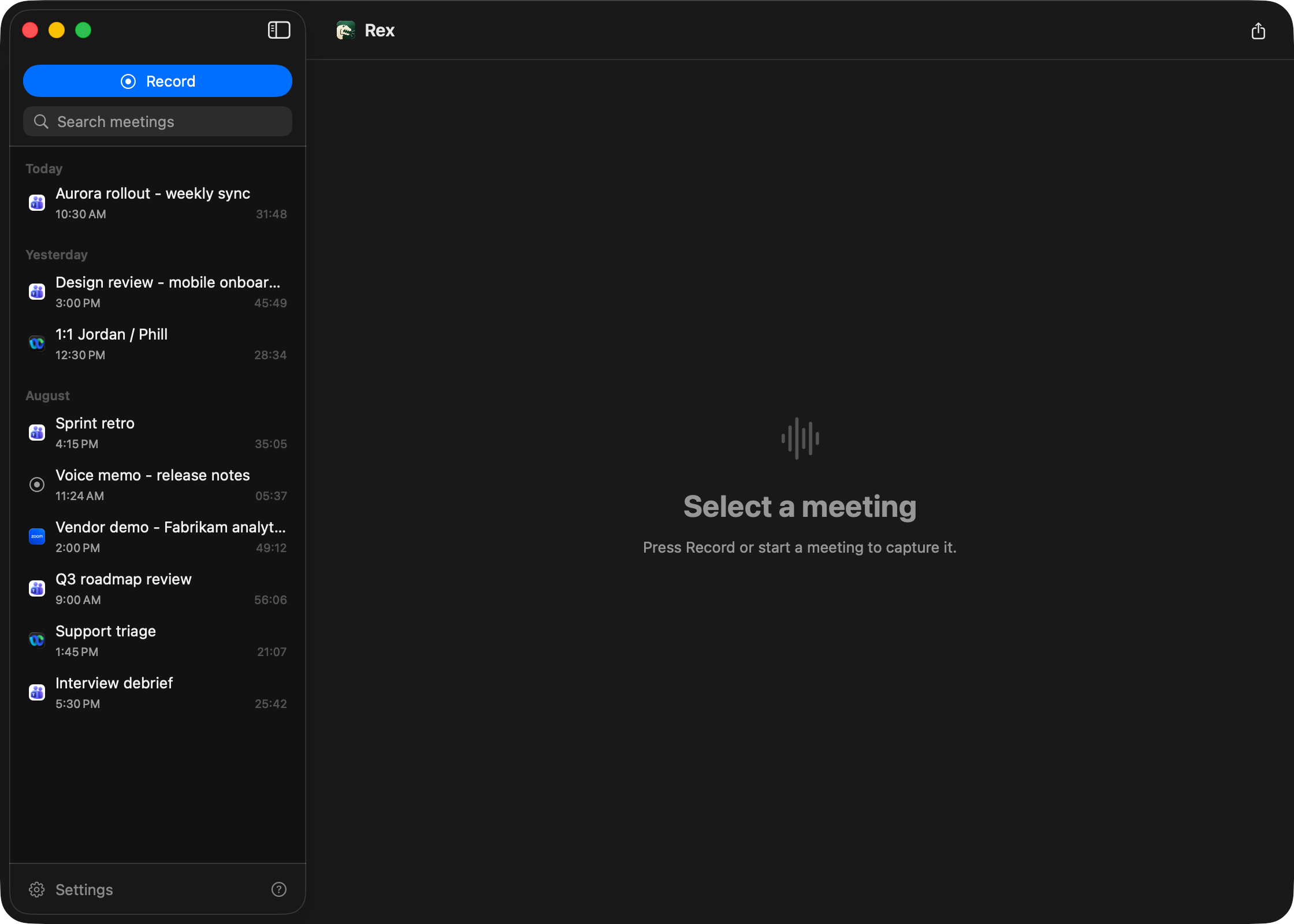
Then click Record in the menu bar, say something, click Stop. The transcript appears in the main window (menu bar › Open Rex) a little later; the first run downloads the models (Parakeet ≈ 500 MB, VAD and diarizer a few MB).